React Native Location
📍 About - @hyoper/rn-location
A high-performance React Native location library built with New Architecture and TurboModules. Provides reliable foreground & background tracking, simple permission & GPS management, and a clear, developer-friendly API. For full API documentation and usage examples, check out the 📖 API.
✨ Features
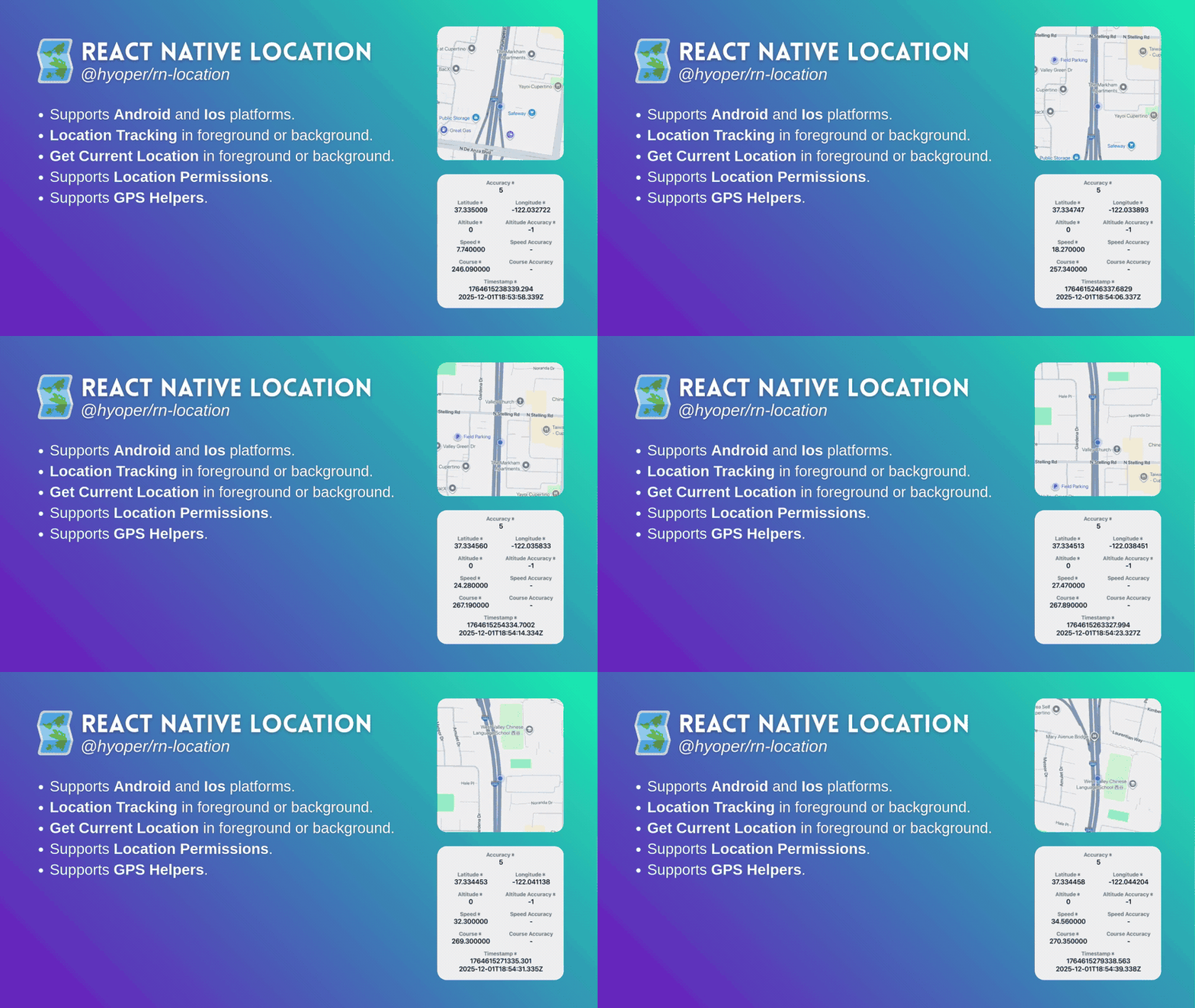
- Supports Android and IOS platforms.
- Location tracking in foreground or background.
- Get current location in foreground or background.
- Help class for managing location permissions.
- Help class for managing GPS status.
- Configurations for platform-based customization.
- Understandable and organized error handling.
🛠️️ Installation
1- Install the package in your React Native project. 🔗 NPM
npm install @hyoper/rn-location
yarn add @hyoper/rn-location
2- Follow the INSTALLATION instructions.
3- Please review to learn more details about the package; GUIDELINES and HELPERS.
⚙️ Requirements
This package works only with React Native 0.75+ and requires New Architecture to be enabled. Make sure your project meets the following requirements:
{
"react": "*",
"react-native": ">=0.75.0"
}
🧩 Example - Location Tracking
This example demonstrates how to configure RNLocation, subscribe to location updates, handle location changes, manage errors, and unsubscribe when done. See examples for Foreground and Background location-tracking;
import React, {useEffect} from 'react';
import {RNLocation} from '@hyoper/rn-location';
const Example = () => {
useEffect(() => {
// You can configure the subscription. This stage doesn't require permissions directly,
// but the configurations made at this stage determine which permissions the onChange callback should use.
// 1- Foreground mode → requires location "when-in-use" permission.
RNLocation.configure({allowsBackgroundLocationUpdates: false});
// 2- Background mode → requires location "always" permission.
// RNLocation.configure({allowsBackgroundLocationUpdates: true});
// 3- Background safe mode → requires location "always" + notification permission.
// RNLocation.configure({allowsBackgroundLocationUpdates: true, notificationMandatory: true});
// You can create a subscription without obtaining location permissions.
// However, to receive a location, location permissions must be granted and GPS must be enabled.
const subscription = RNLocation.subscribe();
// onChange Location will be triggered when it arrives.
// The "when-in-use" or "always" Location permission must be granted.
subscription.onChange(locations => {
if (locations.length > 0) {
// Use location information.
const location = locations[0];
}
});
// onError will be triggered if there is a problem in the Location retrieval process.
subscription.onError(error => {
switch (error.code) {
case 'ERROR_SETUP':
// There is something missing in AndroidManifest.xml or Info.plist.
break;
case 'ERROR_PROVIDER':
// GPS is off or unavailable.
break;
case 'ERROR_PERMISSION':
// Location "when-in-use" permission is not granted.
break;
case 'ERROR_PERMISSION_ALWAYS':
// Location "always" permission is not granted.
break;
case 'ERROR_PERMISSION_NOTIFICATION':
// Notification permission is not granted.
break;
case 'ERROR_UNKNOWN':
default:
// Other possible runtime errors. These are mostly non-critical.
break;
}
});
return () => {
// Don't forget to cancel subscriptions.
subscription.unsubscribe();
};
}, []);
return <></>;
};
🧩 Example - Location Get
This example shows how to retrieve the current location with optional configuration, handle the resolved location data, and manage errors returned by the location request. See examples for location-get;
import React, {useEffect} from 'react';
import {RNLocation} from '@hyoper/rn-location';
const Example = () => {
useEffect(() => {
// Retrieve current location information asynchronously.
// The configurations are completely optional.
// background: false -> requires the "when-in-use" permission.
// background: true -> requires the "always" permission.
RNLocation.getCurrent({
accuracy: 'high',
timeout: 10000,
background: false,
})
.then(location => {
// Use location information.
console.log(location);
})
.catch(error => {
// Display the error code and error message.
console.log(error);
console.log(error?.code);
console.log(error?.message);
});
}, []);
return <></>;
};
ℹ️ Fork
Forked from the original react-native-location repository. Rewritten using TurboModule. Added new features and improved API experience.